resources
C19 to C20 Power Cord: Inlet Mismatch and Adapter Limits
Check connector fit, complete-cord ratings, and adapter limits before choosing a server power cord. Use the inspection checklist for your RFQ.
Updated October 2026
Start your c19 to c20 power cord check at the equipment inlet, then work back toward the source outlet.
The IEC C19 connector connects to an IEC C20 equipment inlet.
The cord plug must match the receptacle or outlet being used.
For an inlet mismatch, identify which connection needs attention before choosing a replacement or adapter. Keep the endpoint check and the electrical-rating check as separate items in your enquiry.
Identify the connector and the inlet
A connector is the outlet power end of a cord that connects to an equipment inlet.
An inlet is the input power connection on equipment.
The C19 connector is cable-mounted.
The C20 inlet uses screw-mount or snap-in mounting.
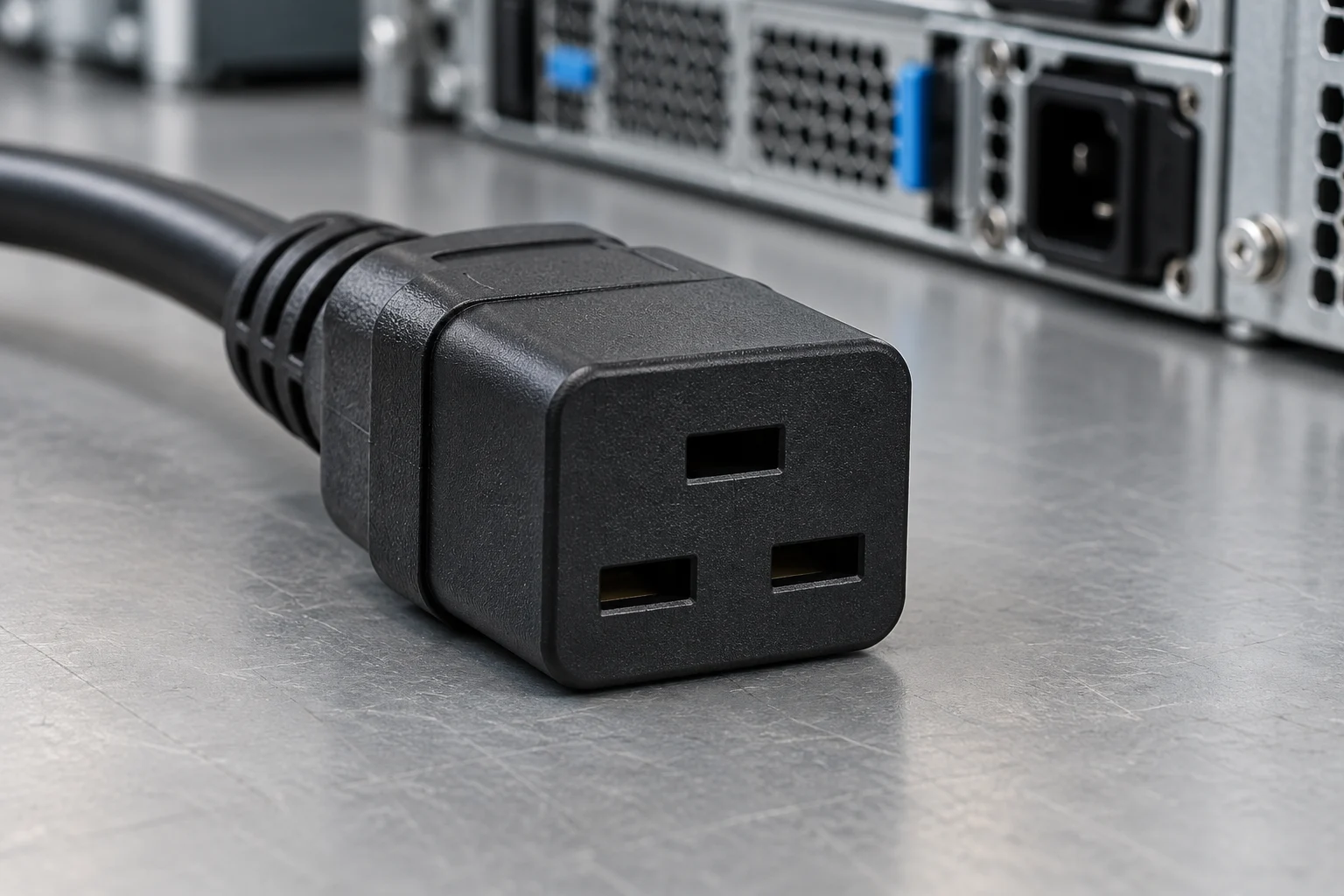
Record the equipment inlet designation, the source outlet designation, and the proposed cord endpoints. Photograph the mating faces for the enquiry; include the equipment nameplate separately. For the broader connector comparison, see our power cord comparison guide.
Read the complete-cord specification
The amperage rating is the maximum amount of current a cord can safely carry.
The cord should be rated for at least the amperage required by the device specifications.
The voltage rating is the maximum voltage a power cord can safely handle.
The cord should be rated for at least the voltage required by the device specifications.
Use the following manufacturer examples as separate specification records. Keep the exact model alongside each rating when comparing a quotation.
Eaton assembly examples
For example, the Eaton P036-006 C19-to-C20 assembly is rated 20 A at 250 V with 12 AWG conductors, whereas the Eaton P036-006-15A variant is rated 15 A at 250 V with 14 AWG conductors.
Component rating context
Interpower C19 connectors are rated at 16A/250VAC internationally and 20A/125 or 250VAC in North America, with a temperature rating up to 70°C/158°F.
When we quote an IEC C19-to-C20 power cord or rack jumper bundle, we include the complete assembly specification—conductor gauge, plug and connector agency ratings, jacket temperature rating, and market approvals—alongside the part number.
Check the adapter path and its limits
Use the MK Cable adapter example below to frame the fit check.
On the MK8005 adapter, the IEC C14 plug mates with an IEC C13 PDU or UPS outlet.
On the MK8005 adapter, the IEC C19 connector connects to an IEC C20 equipment inlet.
The MK8005 adapter provides no voltage or frequency conversion.
For the MK8005 adapter, verify the source, equipment and adapter ratings before use.
For the MK8005 adapter, confirm orientation, earthing and clearances before use.

Include a view of the proposed adapter location and cable route with the enquiry. Keep the adapter specification beside the source and equipment records. For upstream checks, use the outlet and breaker checklist.
Separate fit from wiring checks
Physical polarization restricts the way a plug can be inserted.
Electrical polarization specifies particular pin locations for Line and Neutral.
A continuity test verifies that conductors reach their intended terminations and continuity exists throughout the assembly.
In Interpower production testing, the continuity test checks the connections of line, ground, and neutral wires.
In Interpower production testing, the hipot test checks insulation breakdown and spacing of conductive components.
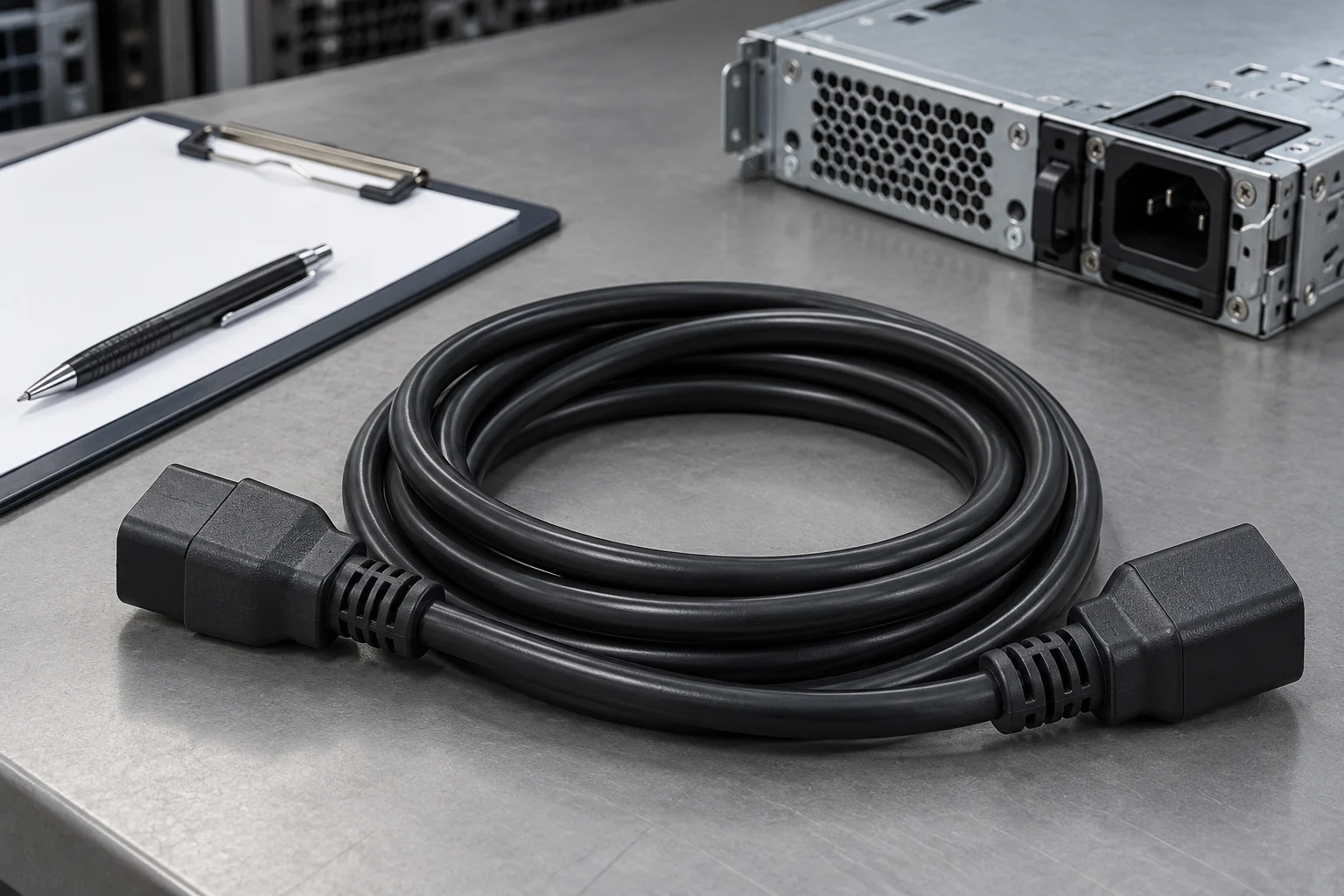
We supply each quoted C19-to-C20 cord assembly with its full conductor, connector, and jacket specification, and provide continuity and hipot test records upon request so your receiving team can link cable identification directly to the inspection file.
Prepare the replacement enquiry
Use this checklist before requesting a server power cord quote:
- Attach equipment inlet and source outlet photos.
- Copy the equipment voltage and current requirements from its documentation.
- Attach the proposed complete-cord specification.
- Identify any proposed adapter and attach its specification separately.
- Include the cable route, requested length, and clearance photos.
- Request the applicable inspection documentation.
Add these records to your rack accessory bill of materials, then send your enquiry through the RFQ form.
Sources
- Interpower — Designing Products with Appliance Connectors and Inlets
- Interpower — Glossary
- Interpower — Quality Goal: Ensure that Every Product is Safe
- Eaton — Power cord selection guidance
- Eaton — P036-006 product specifications
- Eaton — P036-006-15A product specifications
- MK Cable — Power Adapter C14 to C19, MK8005
Prepare your power cord enquiry
Include inlet and outlet photos, equipment requirements, cable route, and the proposed cord specification.